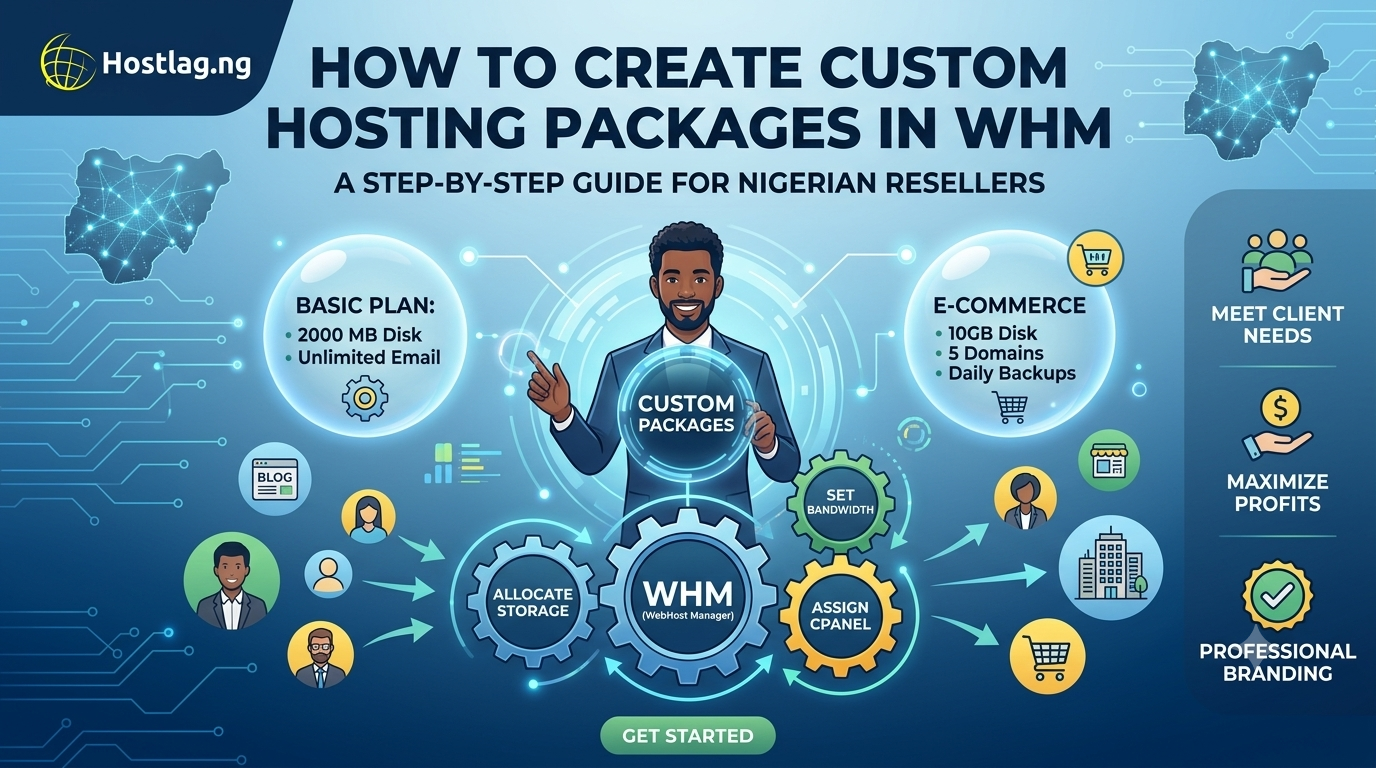
One of the key advantages of reseller hosting is the ability to create custom hosting packages for your clients. With WebHost Manager (WHM), you can design, price, and allocate resources for different types of clients—whether they’re bloggers, small businesses, or e-commerce stores. This guide walks you through creating hosting packages in WHM, tailored for Nigerian resellers using Hostlag.
WHM (WebHost Manager) is the administrative control panel for resellers. It allows you to:
Create and manage multiple cPanel accounts
Define hosting packages with specific resources
Monitor usage and performance
Manage security and client isolation
Meet Different Client Needs: Offer basic, business, and premium plans
Maximize Profits: Allocate resources efficiently and price accordingly
Professional Branding: Tailor packages under your own brand for a seamless client experience
Use the login credentials provided by Hostlag after signing up for reseller hosting.
In the WHM dashboard, search for “Add a Package” in the left sidebar.
Name: Choose a package name (e.g., Basic, Pro, Premium)
Disk Quota (MB): Set how much storage each package gets (e.g., 2000 MB for basic)
Bandwidth (MB): Define monthly bandwidth limits
Max FTP Accounts, Email Accounts, Databases: Set limits based on your plan
Add-on Domains & Subdomains: Decide how many each package allows
Other Features: Enable/disable shell access, CGI access, etc.
Click “Add” to save your new hosting package.
When creating a new account for a client, select the package that matches their needs.
Packages can be modified or removed as your business grows or client needs change.
Start Simple: Offer three tiers (Starter, Business, Premium) to cover most needs.
Include Value-Adds: Bundle free SSL, daily backups, or email hosting for extra appeal.
Monitor Usage: Use WHM tools to ensure clients don’t exceed their limits or affect server performance.
Brand Everything: Use your own brand name, package names, and emails for a white-label feel.
Can I change package features later?
Yes. WHM lets you edit any package at any time without affecting existing accounts.
What if a client needs more resources?
You can upgrade their account to a higher package with a few clicks.
Is this hard to set up?
No. Hostlag provides guides and support to help you every step of the way.
Creating hosting packages in WHM gives you the flexibility to serve a wide range of clients and grow your business efficiently. With Hostlag’s reseller hosting, you can deliver custom solutions, build your brand, and maximize your profits—all with the support of a local, Nigerian-focused team.
